> For the complete documentation index, see [llms.txt](https://ajuda.livechat360.com.br/crm/llms.txt). Markdown versions of documentation pages are available by appending `.md` to page URLs; this page is available as [Markdown](https://ajuda.livechat360.com.br/crm/administracao/personalizacao/contatos-padrao.md).
# Contatos padrão
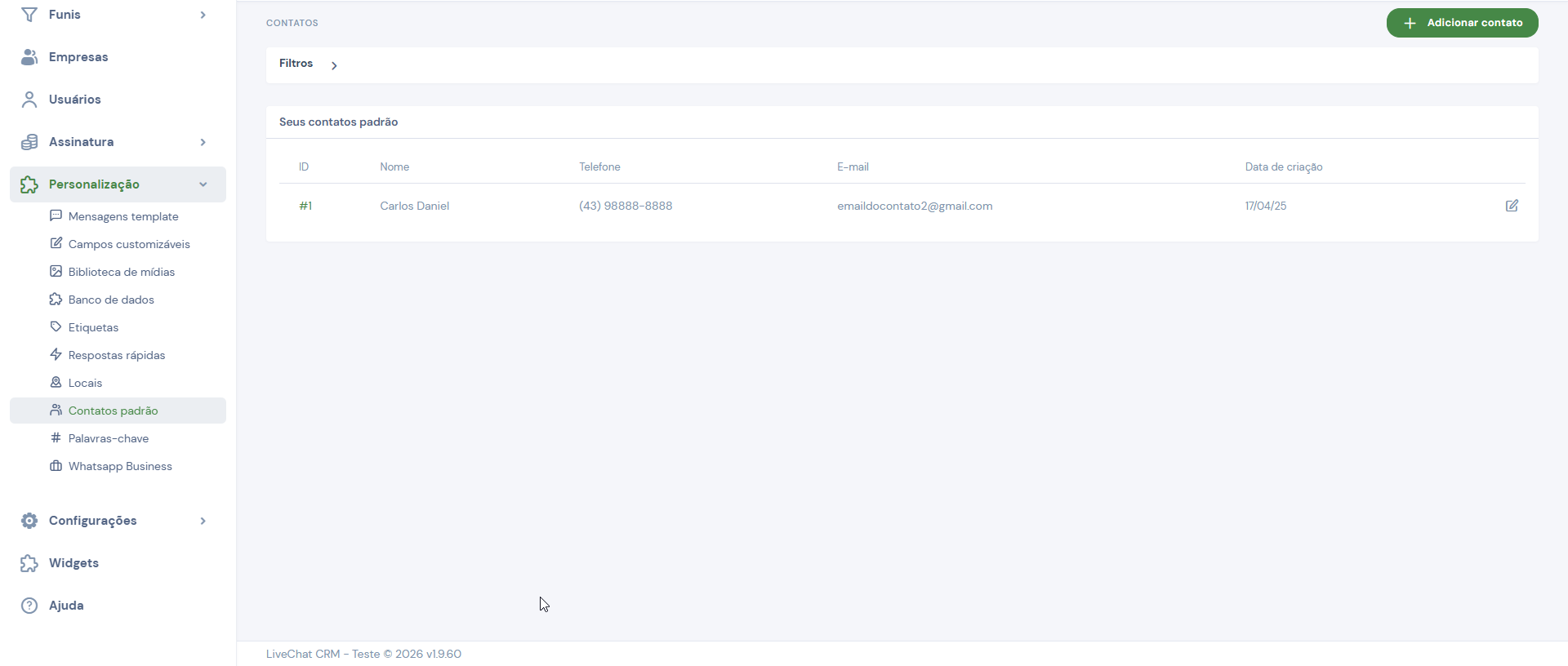
Por meio da tela de ***Contatos padrão*** é possível criar uma lista de contatos padrões que poderão ser utilizadas na tela de Chat.
## Adicionar contato padrão
Para adicionar um contato à lista de contatos padrão, no canto superior direito da tela, clique em ***+ Adicionar contato***.
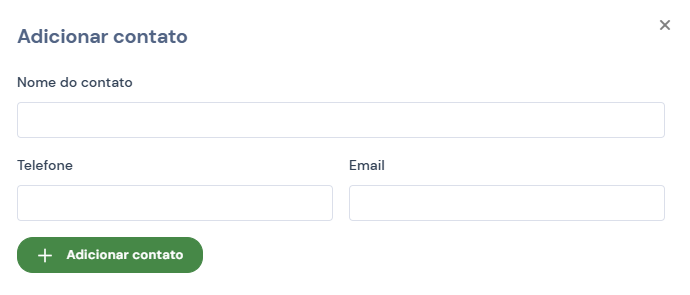
Feito isso, uma janela surgirá para que seja informado o *nome do contato*, o *telefone* e o *e-mail (opcional)*.
## Utilizando o contato padrão
Consulte: [Enviar Contato](/crm/administracao/chat-ao-vivo-atendente.md#enviar-contato).
## Exclusão de contato padrão
Não é possível realizar a exclusão de contatos padrão, apenas a edição.